DockBook vs My Timebook

Everything your
contract owes you.

My Timebook logs your hours and estimates your pay. DockBook is built on the collective agreement, so it catches the weeks payroll shorts you and tracks your pension, guarantee, welfare, vacation, and registration. Already on My Timebook? Import your history in one tap.

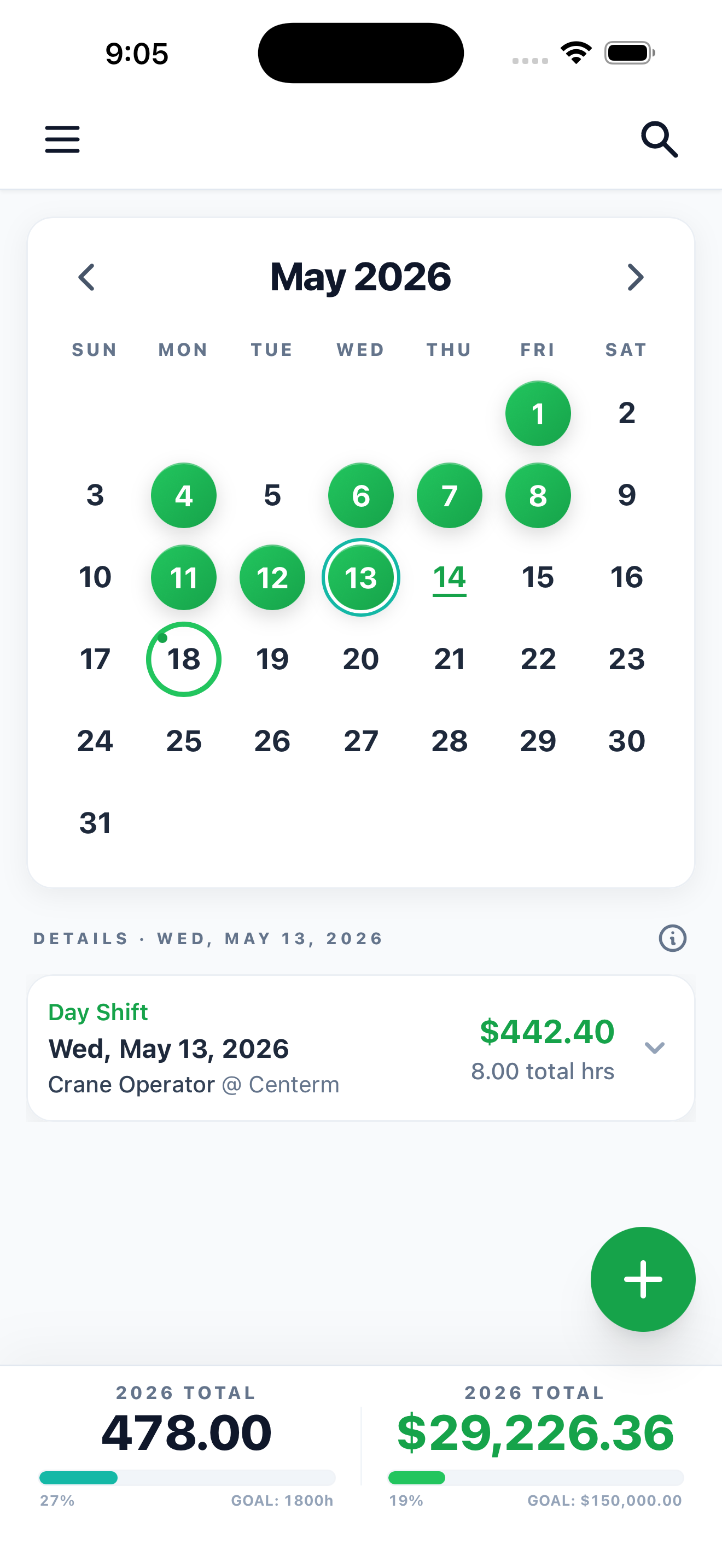
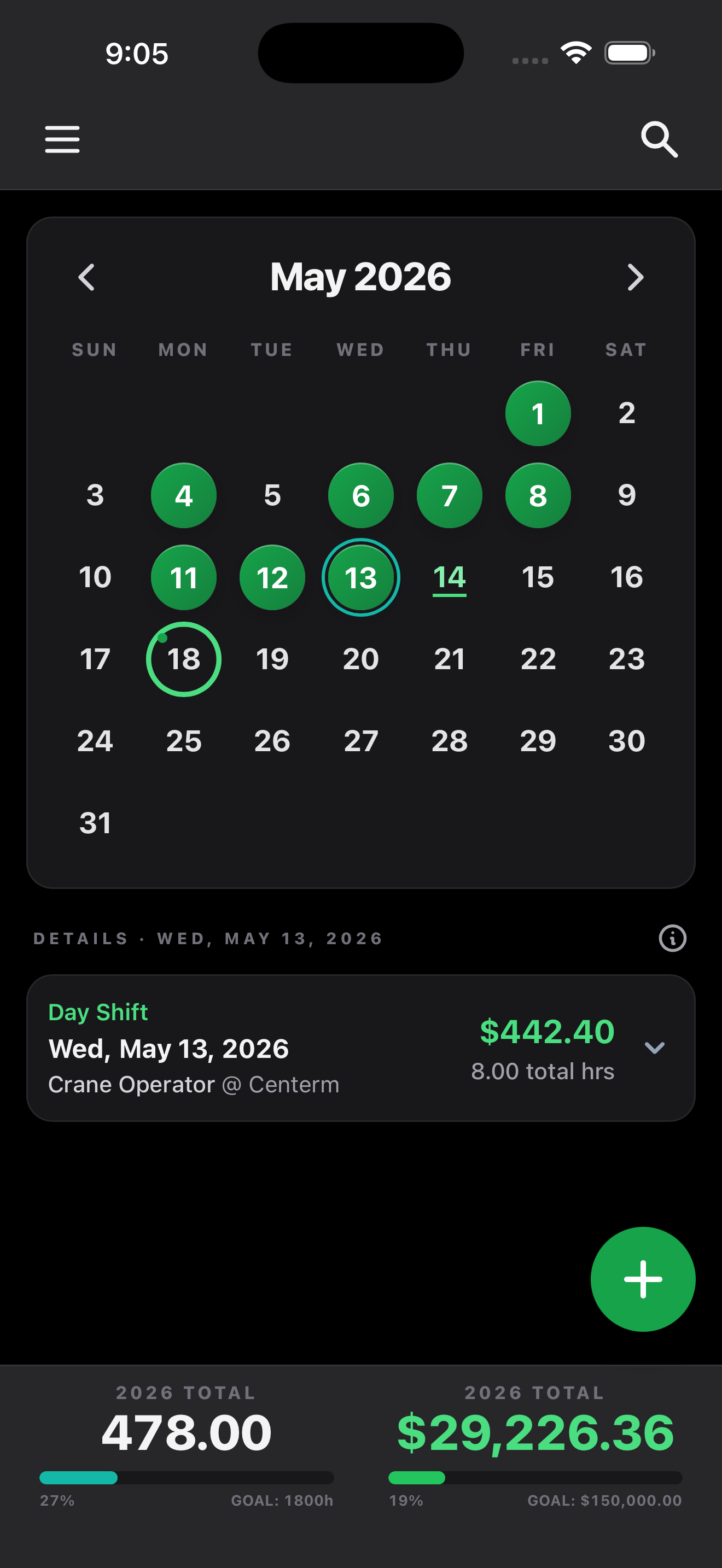
DockBook calendar with a month of longshore shifts logged and year-to-date earnings

The short version

A logbook, or a tool that protects your pay.

My Timebook is the older, simpler option: a shift logger that estimates earnings from pay rates and stores them on your phone for about $4.99 a year. DockBook does that, then keeps going. It reconciles each paystub, projects your retirement, and tracks the entitlements that decide your future. If you want the full picture of what you are owed, DockBook brings your My Timebook history with you.

DockBook My Timebook
Log shifts (ship, job, location, hours, notes)Yes, plus callback auto-logging, templates, dispatch-slip photosYes
Calculate earningsEvery premium, OT, extension, differential, stat, travel, meal, from the agreementYes, from pay rates by local
CoverageUS and Canada localsUS and Canada locals
Checks your paystub, flags shorted payYesNo
Pension and retirement (pension, 401k/RRSP, years of service)YesNo
Pay guarantee tracking and risk alertsYesNo
Welfare and benefits eligibilityYesNo
Registration progress (Class B and A)YesNo
Vacation and leave trackingYesNo
Vessel intel (community ship data, lashing gear, live map)YesNo
Equipment notesYesNo
Live peer / board average hoursYesNo
Retro pay and travel pay calculatorsYesLogs travel hours only
Reports and exportPDF, CSV, and full backupFile export
Data and backupAutomatic encrypted cloud sync across devicesOn-device; manual backup; lost if app is deleted
PlatformsiOS, Android, webiOS, Android
Free tierYesTrial, then paid
PriceFree + Pro ($6.99/mo or $49.99/yr)About $4.99/year

My Timebook details are from its public App Store listing. Verify current pricing on the store.

The difference that pays for itself

It estimates what you earned. We check you got it.

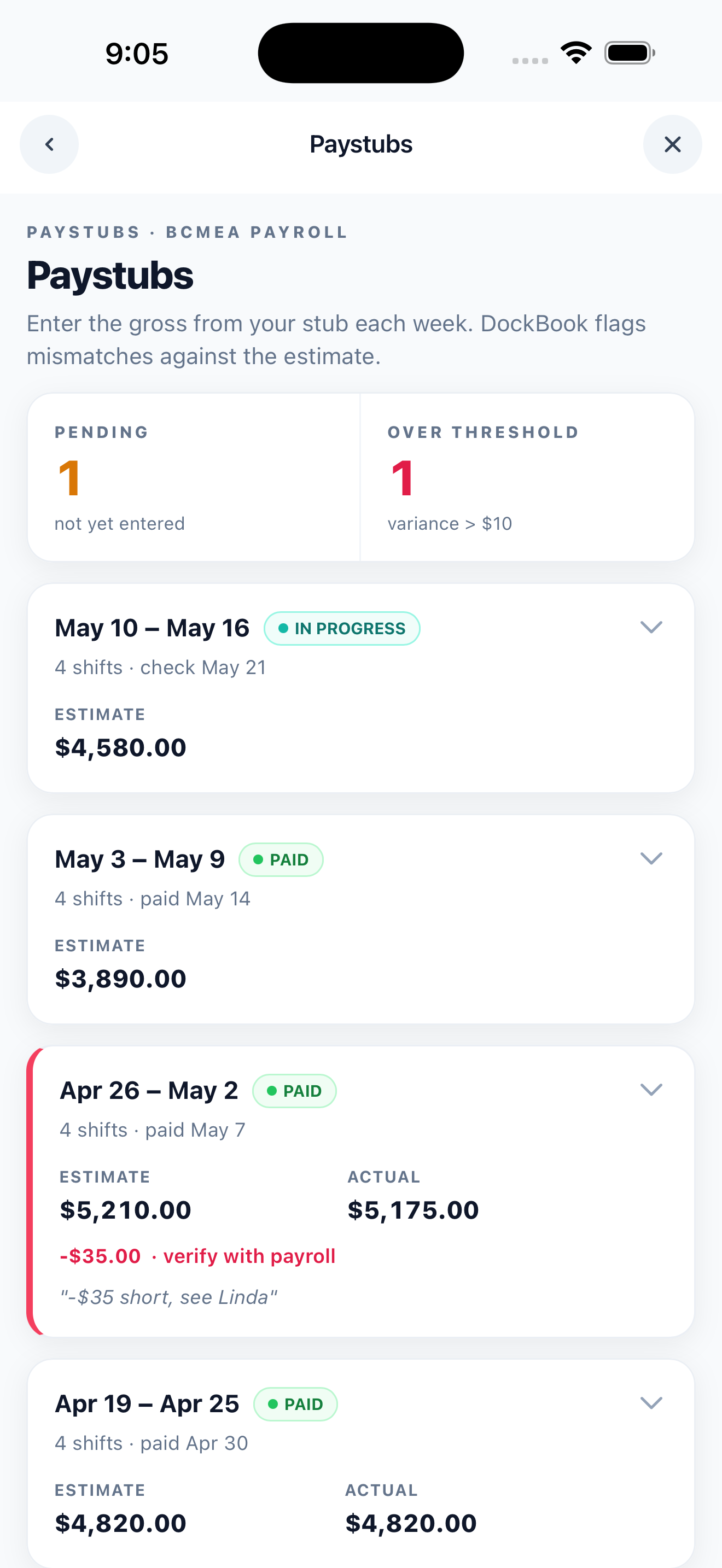
Both apps apply pay rates to your hours. Only DockBook is built on the full agreement and reconciles each stub against its own estimate, so a missed premium or a wrong rate gets flagged instead of cashed. Enter the gross from your cheque, and DockBook tells you which weeks came up short. For a six-figure earner, one caught week can cover years of subscription.

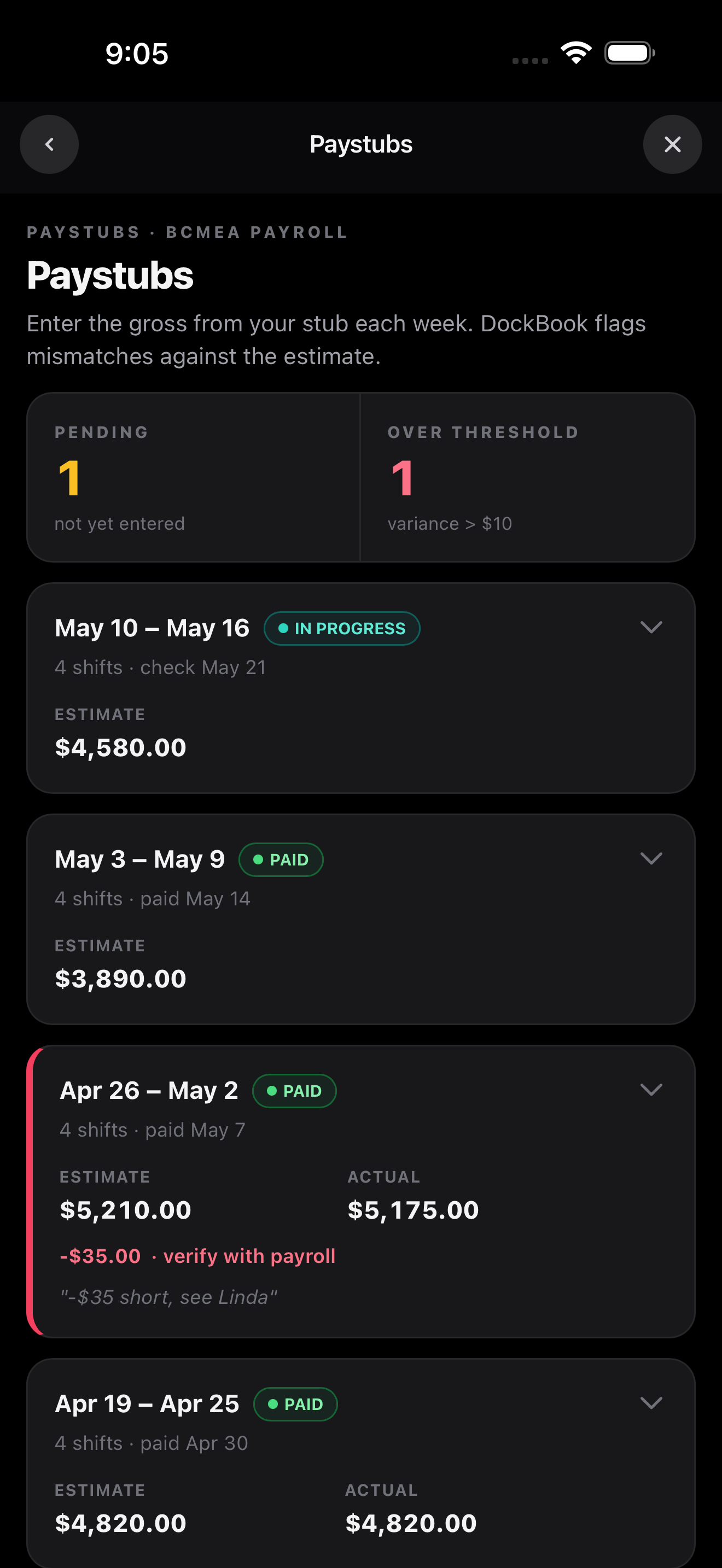
Paystub reconciliation list flagging a week with a negative variance against the DockBook estimate
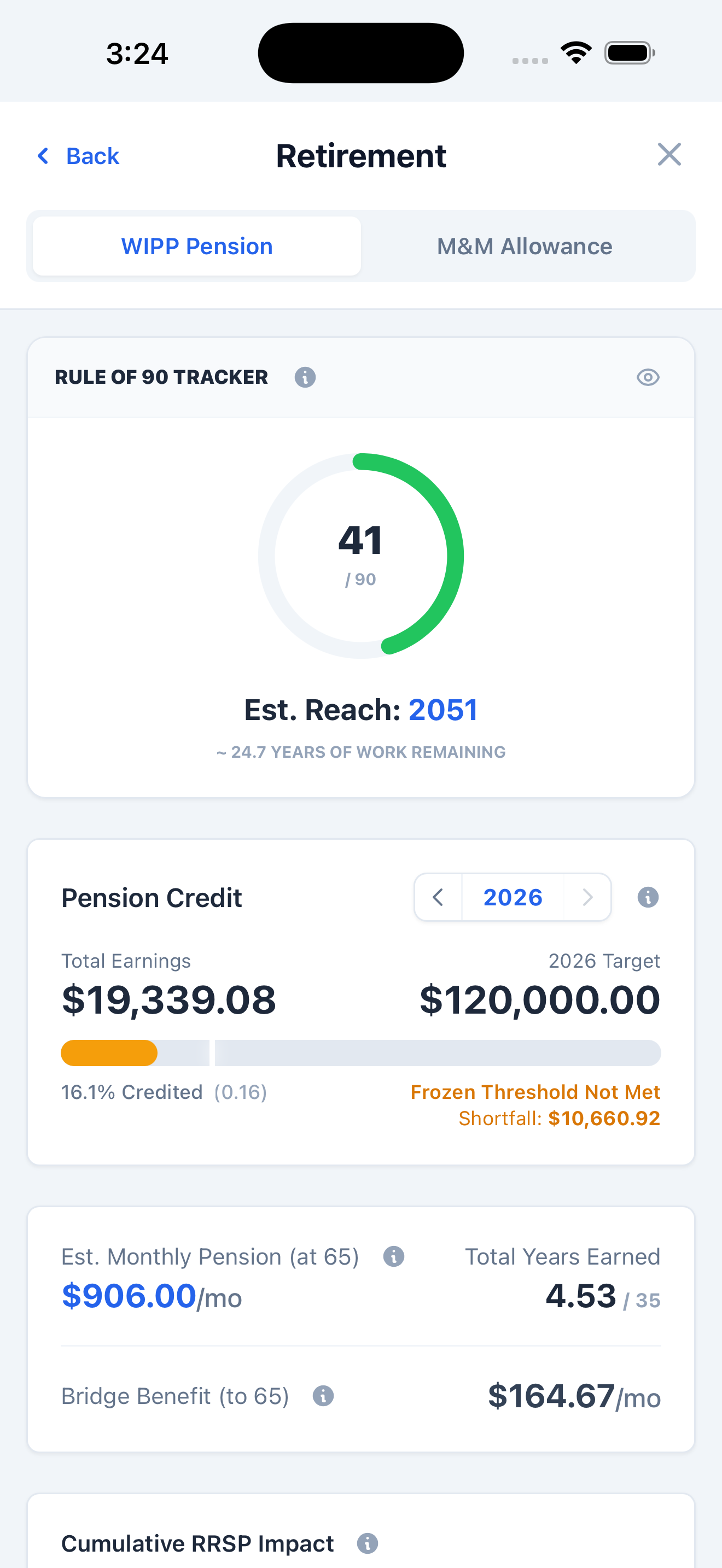
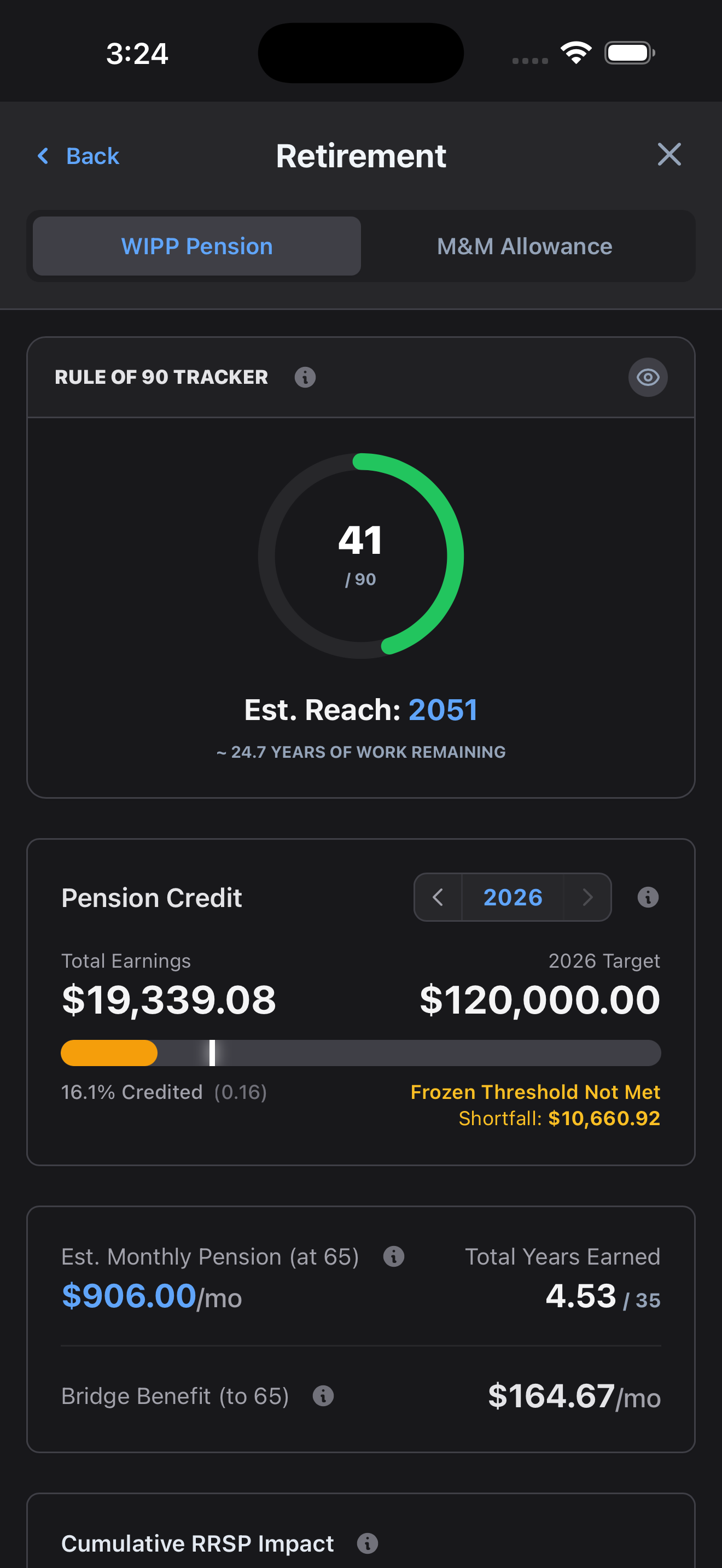
DockBook retirement screen showing pension credit, years of service, and projected monthly benefit

A career tool, not just a timesheet

The entitlements, not just the hours.

Your pension and years of service, your 401k or RRSP, your pay guarantee, your welfare qualifying hours, your vacation pay, and your registration toward Class A. DockBook tracks the things that decide your retirement and your benefits, built from your real logged hours, and warns you before you fall short of a threshold. A logger does not work in this territory.

Know before you board

Intel on the ship before you walk down.

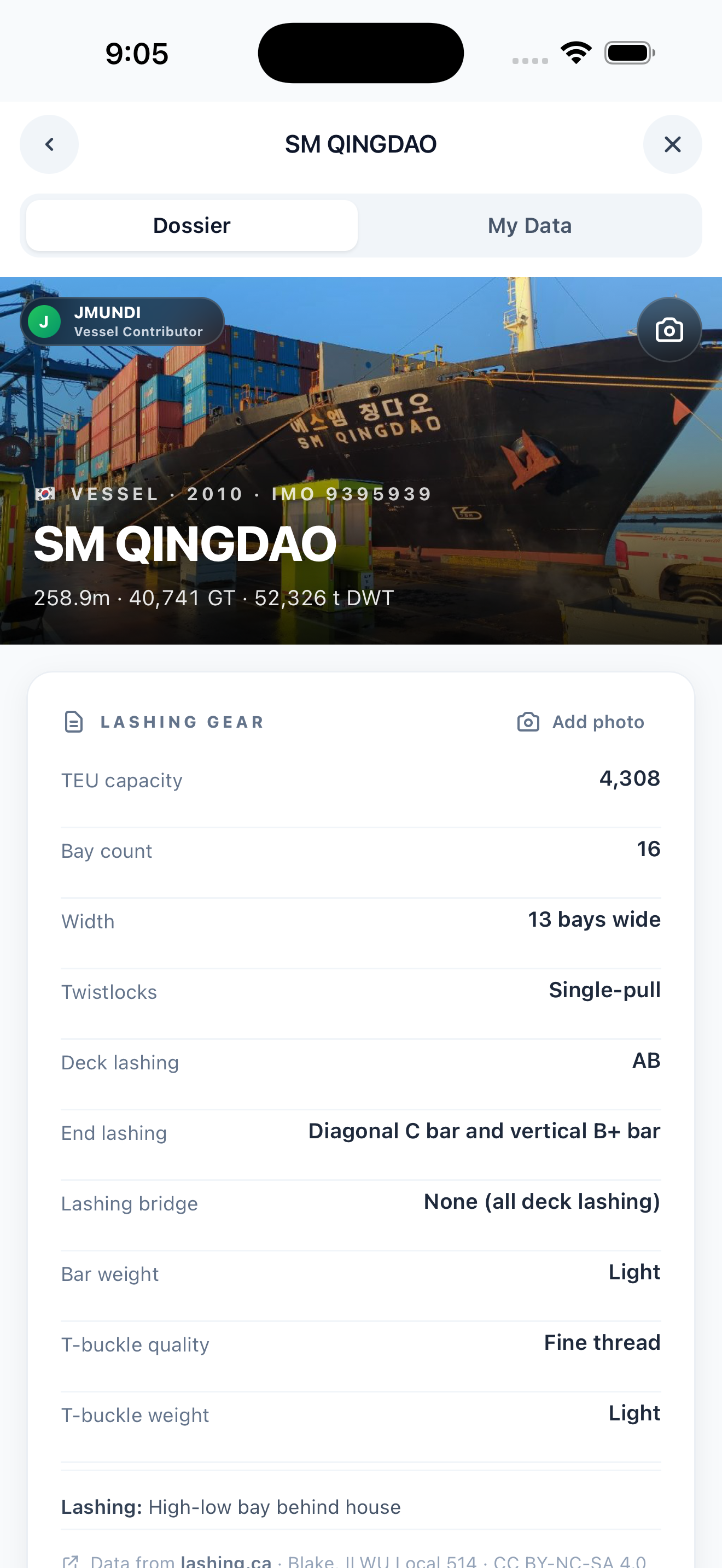
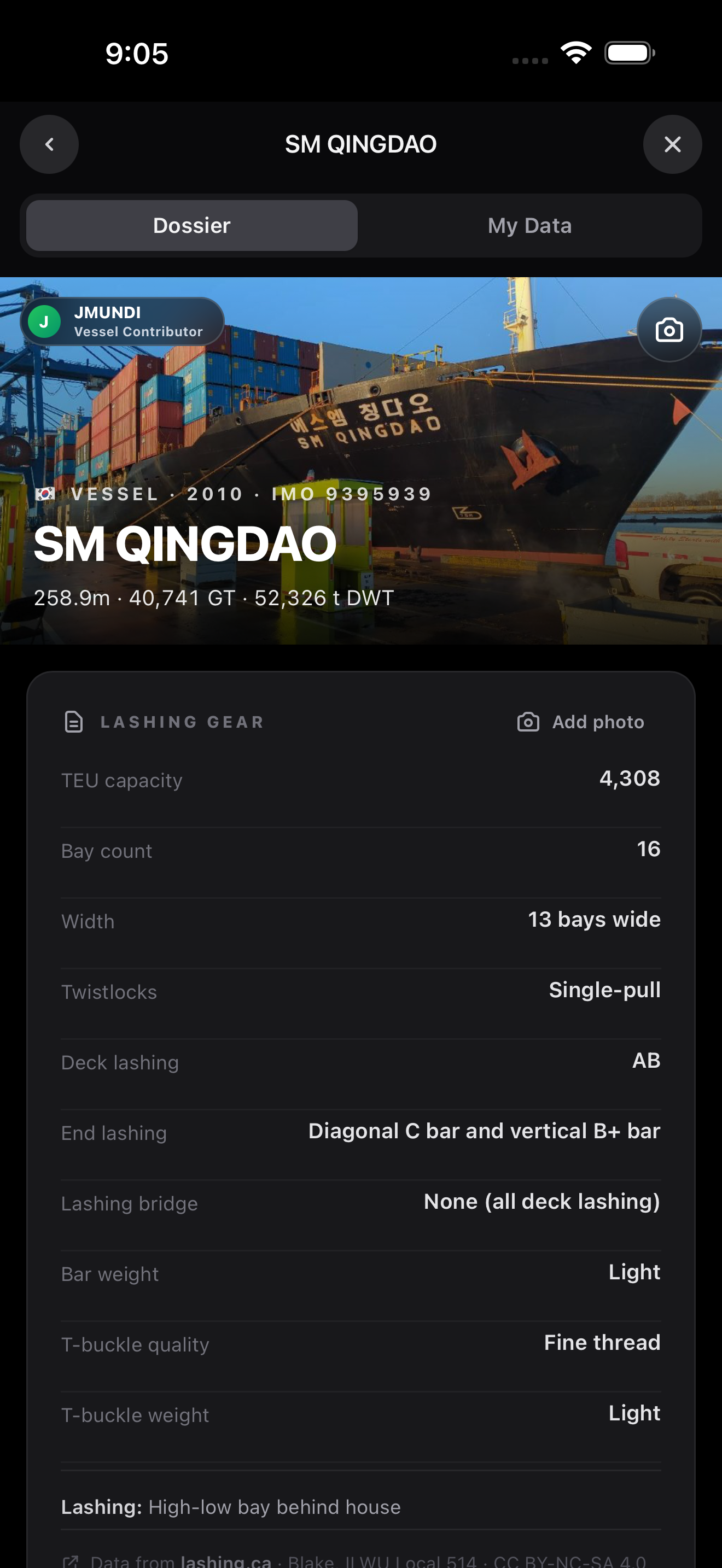
Search any vessel and see community lashing-gear notes, photos, and a live position map. Add your own private notes per ship. Your data is safe by default too, with automatic encrypted cloud backup across your phone, tablet, and the web, instead of a file you have to remember to email yourself before you wipe your phone.

DockBook vessel intel dossier with ship photo and lashing gear specifications

Being fair

Who My Timebook is still fine for

Credit where it is due. If you want the cheapest, simplest shift logger, you do not need paystub verification, pension or benefits tracking, or cloud backup, and you like that it is established, My Timebook does that core job for about $4.99 a year. DockBook is for everyone who wants the rest of it, and who treats catching a shorted paycheck as the app paying for itself.

Switching is built in

Bring your history with you.

You do not have to start over. Export your data from My Timebook, then open DockBook, go to Reports and Data, and choose Import from My Timebook. Your shift history comes across and duplicates are skipped, so your career totals stay intact.

Common questions

Is DockBook a My Timebook alternative?

Yes, and a much broader one. Both log longshore shifts and estimate pay. DockBook adds paystub reconciliation that flags shorted weeks, pension and retirement tracking, the pay guarantee, welfare eligibility, vacation and leave, registration progress, vessel intel, and encrypted cloud backup. It also includes a built-in importer for your My Timebook history.

What does DockBook track that My Timebook does not?

Whether your pay is actually correct, your pension and years of service, your pay guarantee, welfare qualifying hours, vacation and leave, registration toward Class A, community vessel intel, and live peer average hours.

Can I import my My Timebook data into DockBook?

Yes. Export from My Timebook, then in DockBook go to Reports and Data and choose Import from My Timebook. Your shift history comes across and duplicates are skipped.

Is DockBook affiliated with any union or employer?

No. DockBook is an independent app built by a longshoreman. Pay and pension figures are estimates. Always verify against your official paystub and plan statements.

Don't just trust
your paystub.

Free to start. Pro when you want pension, paystub checks, vessel intel, and the rest. Built by a longshoreman who got tired of guessing.

Or use it on the web