For BC longshore workers
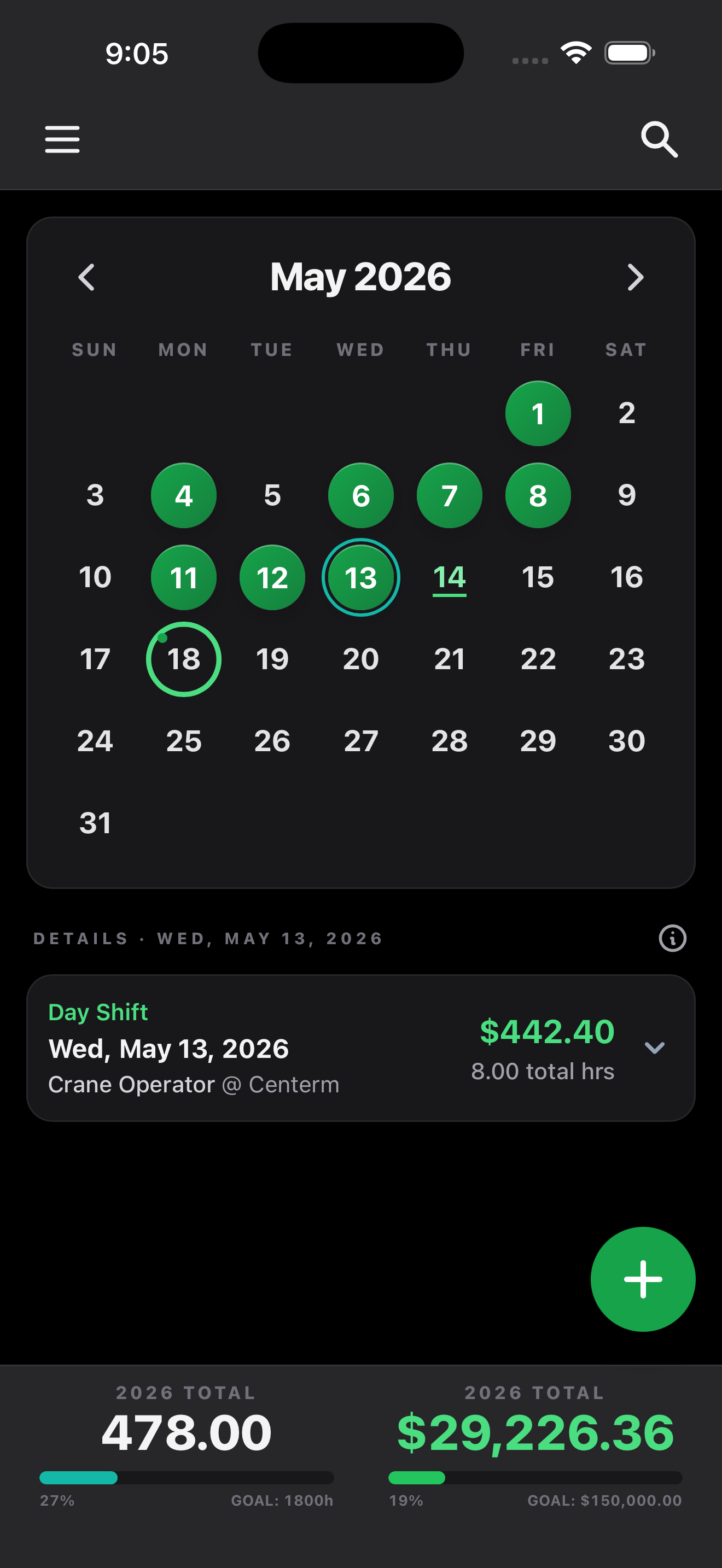
Every rate, every job differential, every meal allowance, every overtime multiplier. Pension projections built from your real logged hours. Stat holiday qualification auto-tracked. Built by a Local 502 longshoreman.
Built for every BC longshore local
What's in it for you
DockBook reads your shift the way payroll reads your shift. Same rates, same rules, same math. By Thursday morning your stub will land, and the numbers will already match.
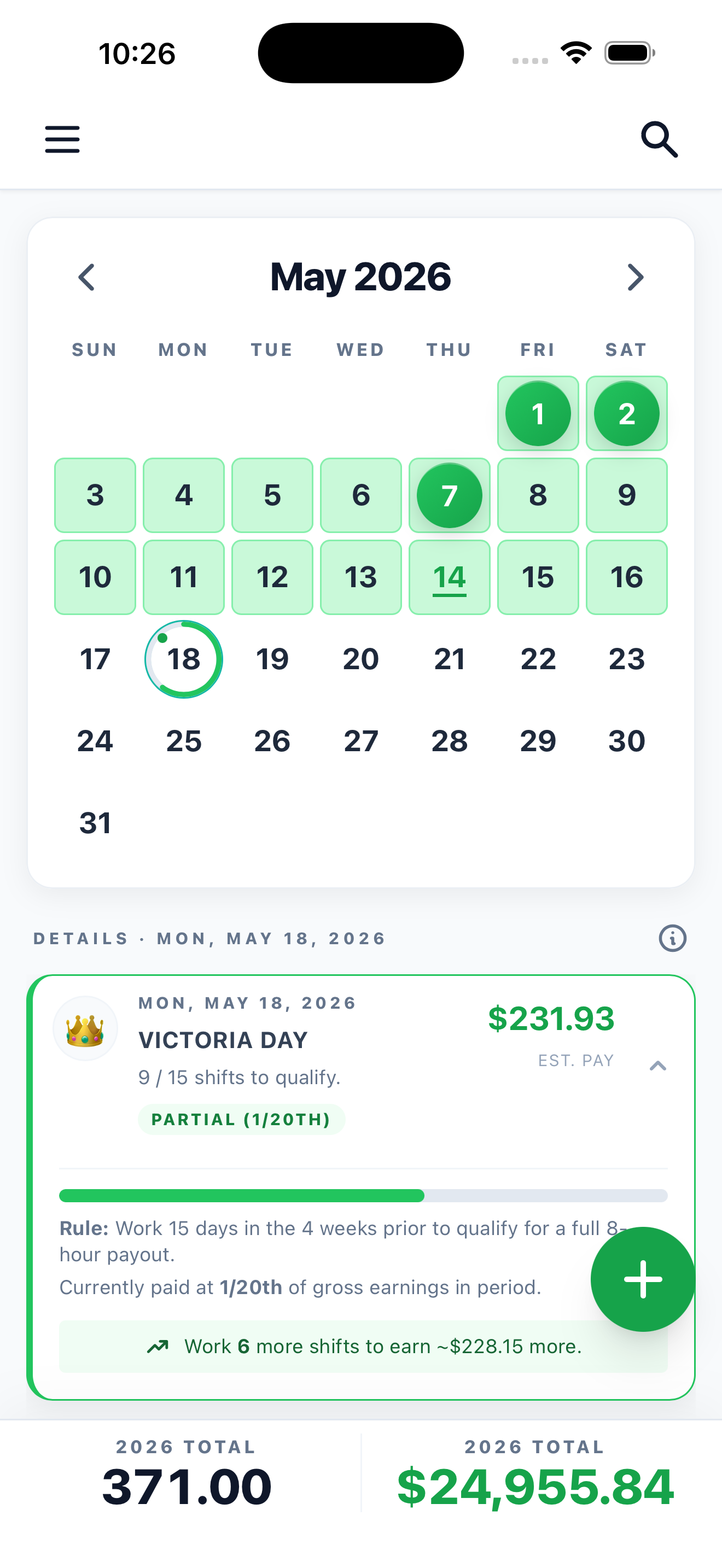
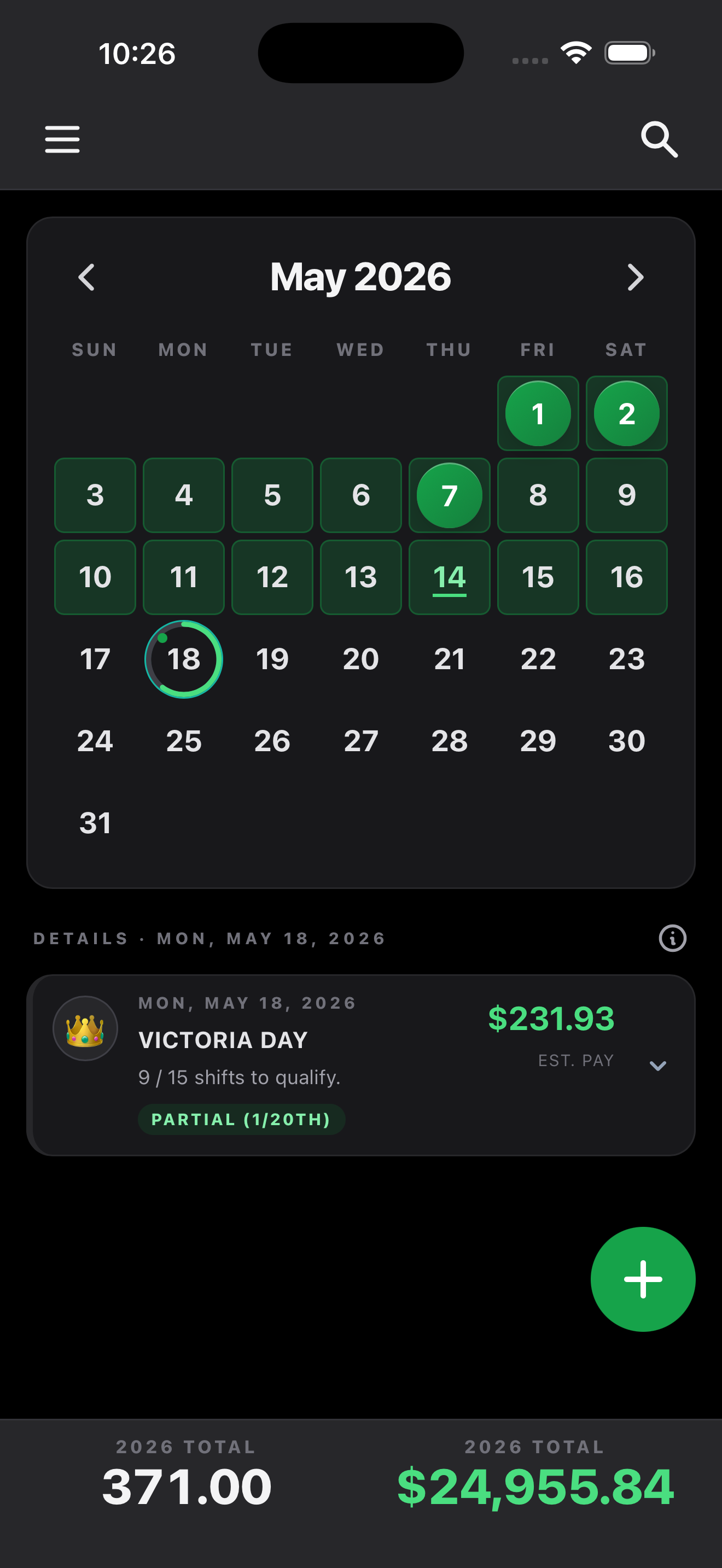
01 · Stat holiday qualification
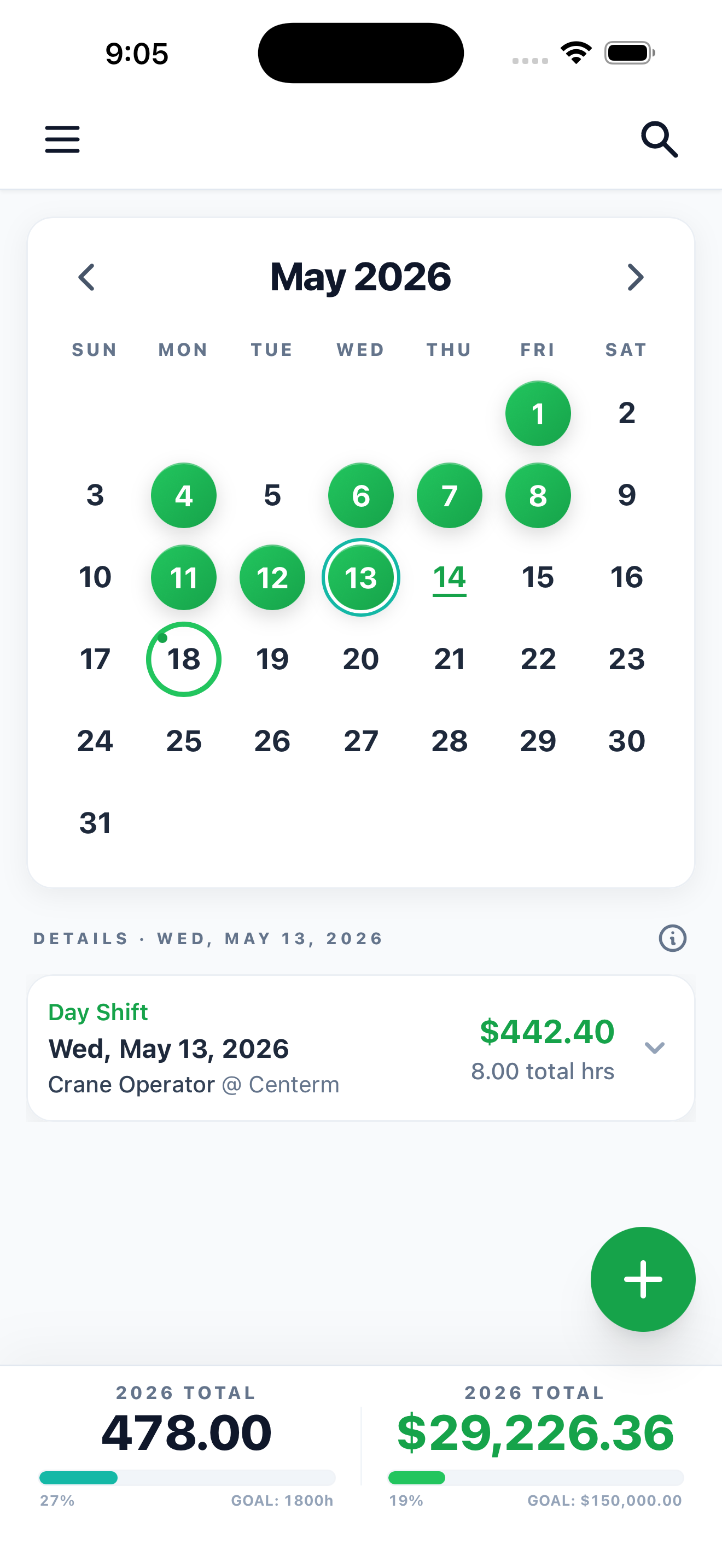
Tap any stat holiday on the calendar and DockBook reveals its qualifying period: which weeks count, how many shifts you've logged inside that window, and exactly where you sit on the threshold. Tracking toward full pay, partial pay, or nothing at all? You'll know before the holiday lands, not after the cheque arrives.
Want the rule itself? Read how stat holiday pay works, including the counting period and the partial payout when you're short of 15 shifts.
See the calendar02 · Pension projector
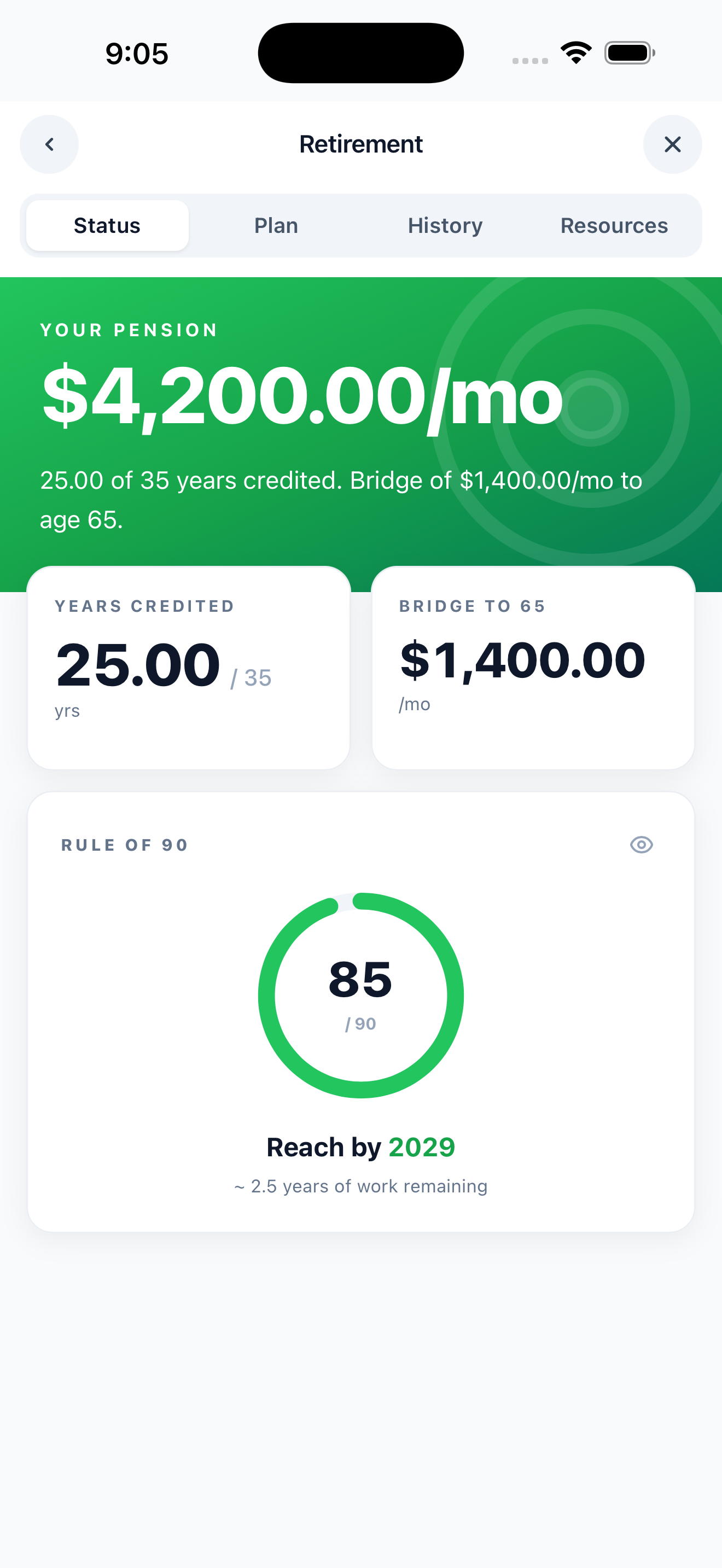
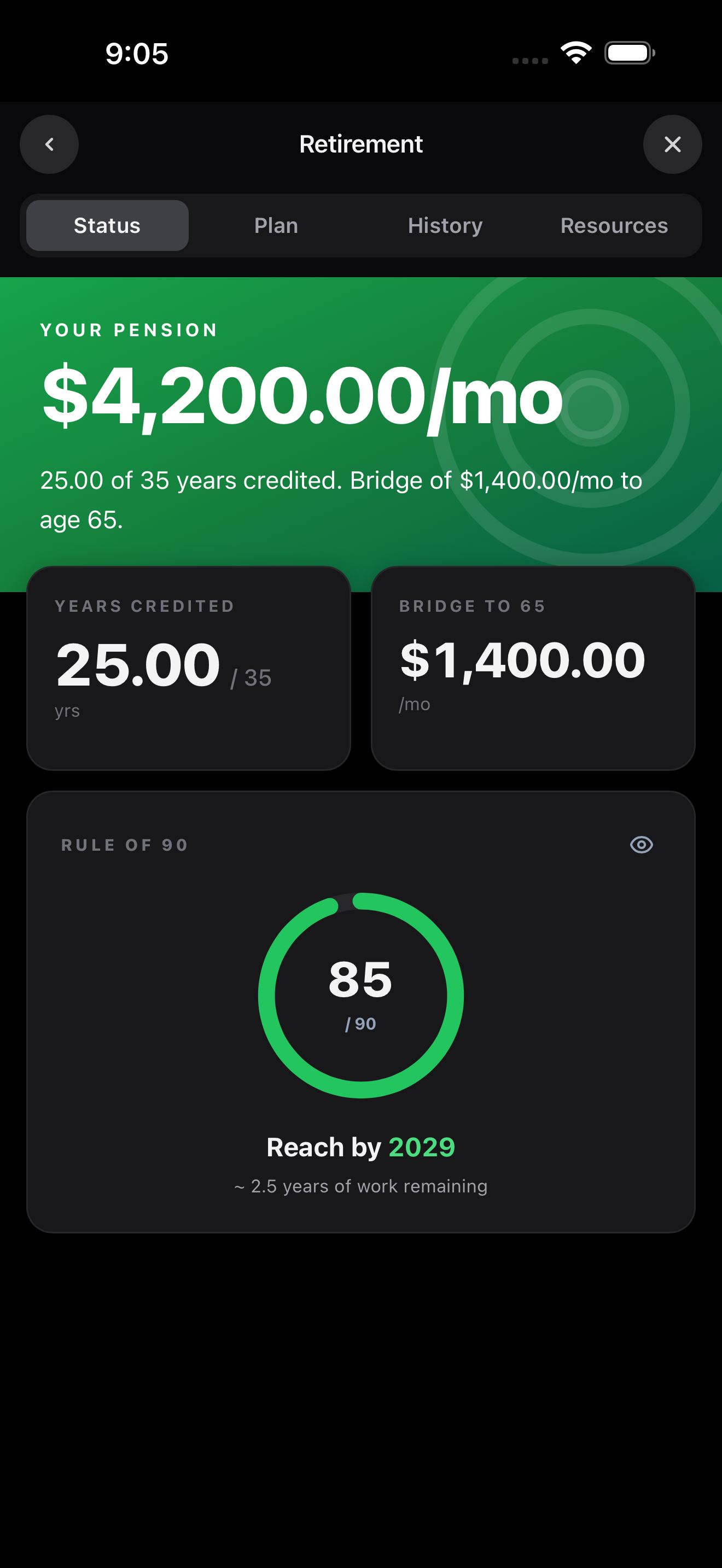
Built from your actual logged hours, not a generic estimator. See how close you are to Rule of 90 retirement, with an estimated reach year. Watch your annual pension credit fill up against the qualifying threshold, with the exact dollar shortfall if you're behind. Plus your projected monthly benefit at 65, and the bridge benefit until then.
New to how the WIPP works? Read the plain-English explainer covering credited service rules, the Rule of 90, the Bridge Benefit, and how the PA eats your RRSP room.
Run your numbers
03 · Vacation pay estimator
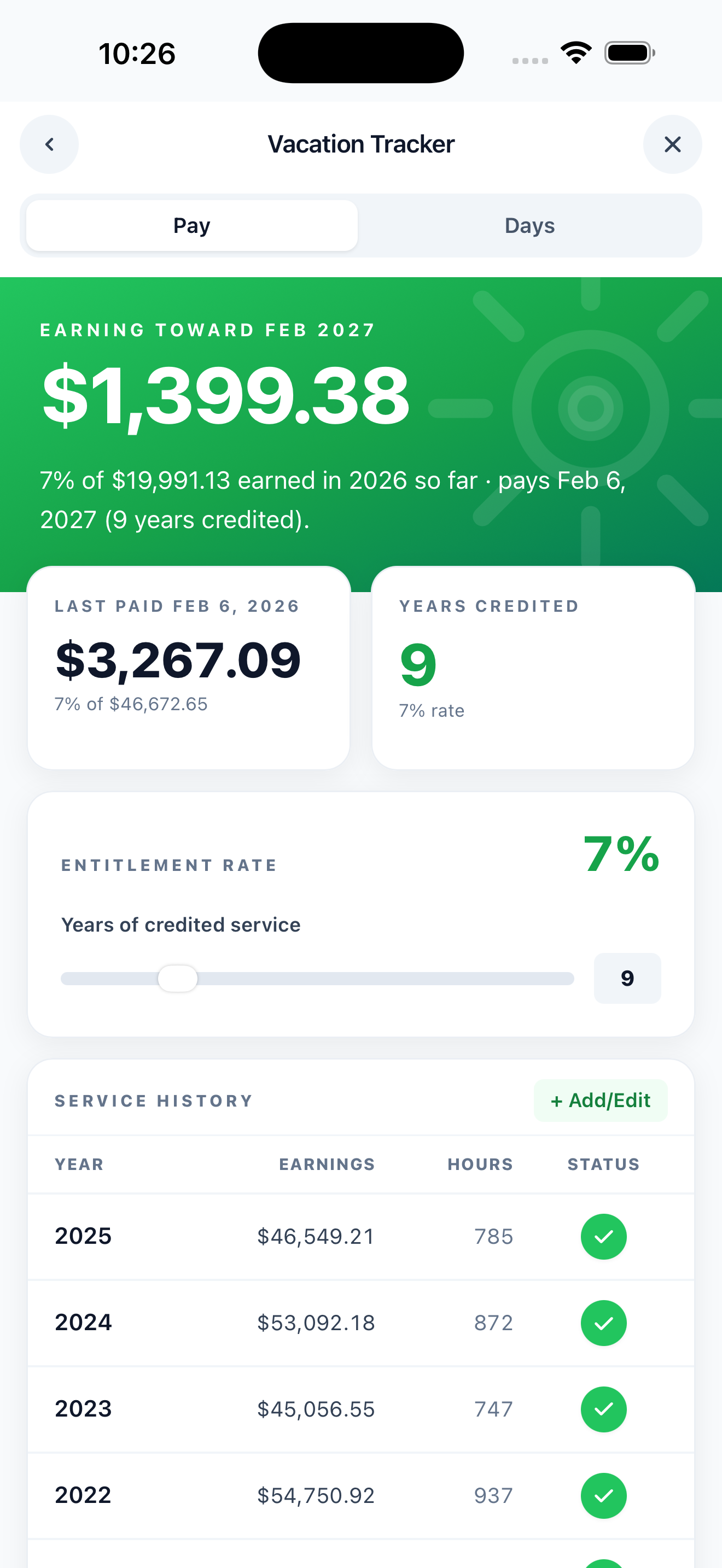
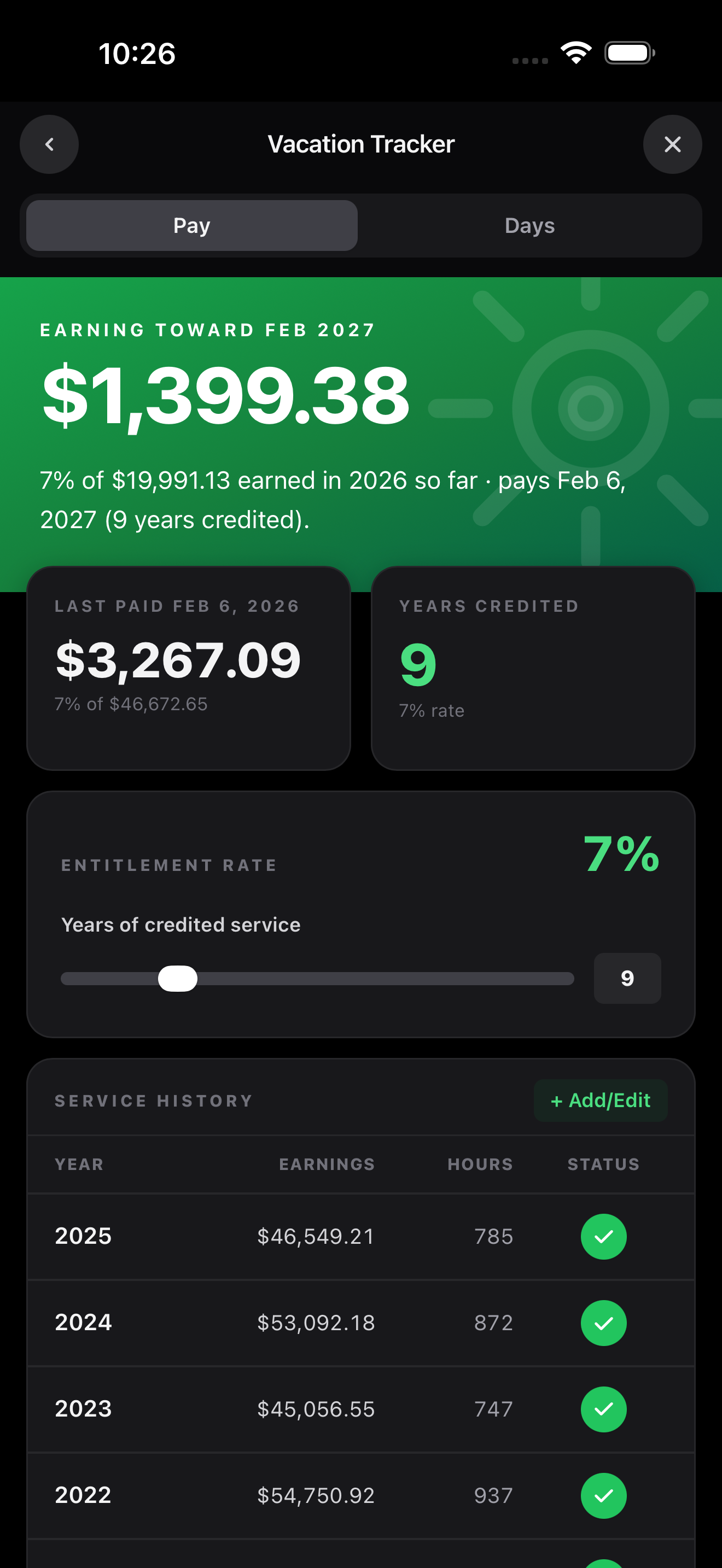
Your entitlement rate (7%, 8%, 10%, wherever your years of credited service put you) applied automatically against your real gross. See current-year accrual, what's already been paid out, and what payable February will look like. Service history stacked back to your hire date.
Run the numbers04 · Benefits coverage alerts
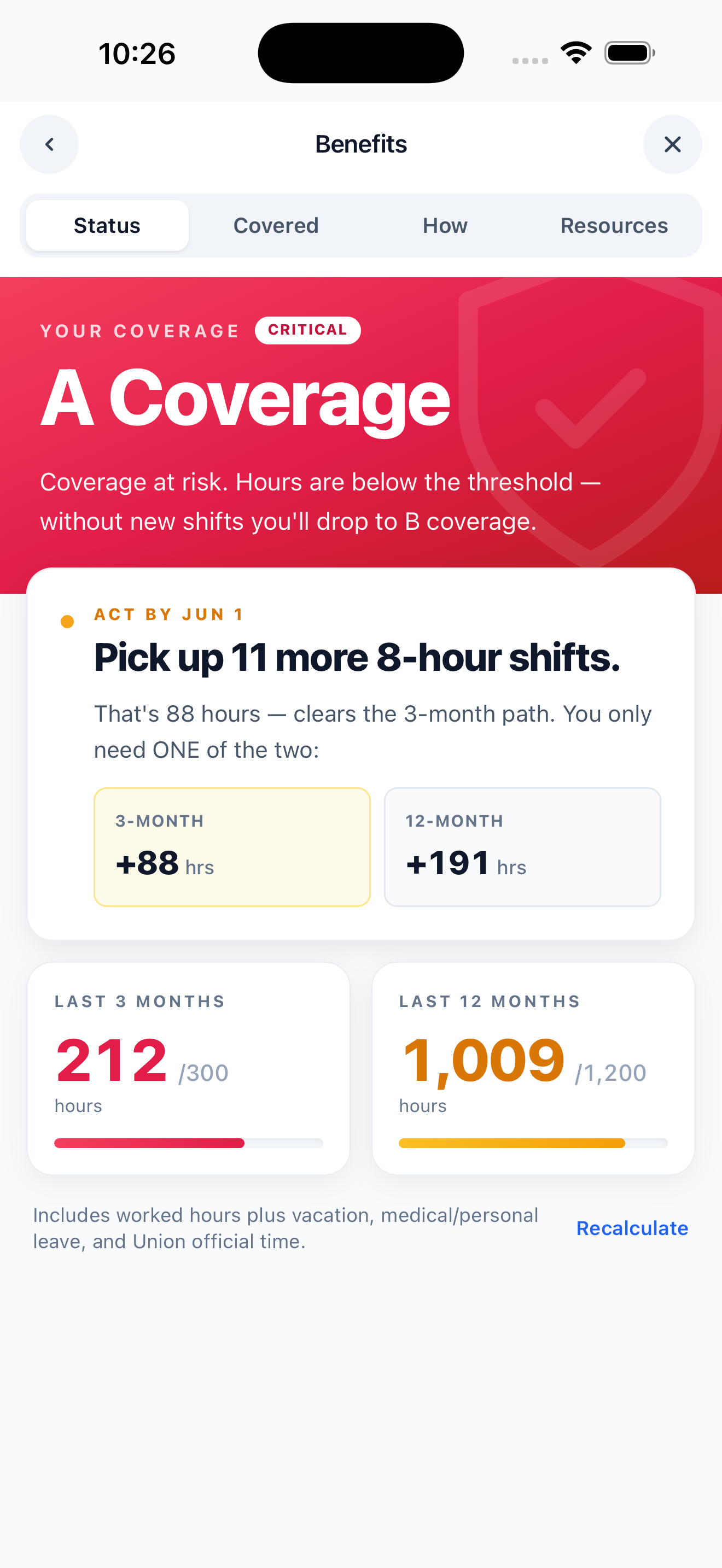
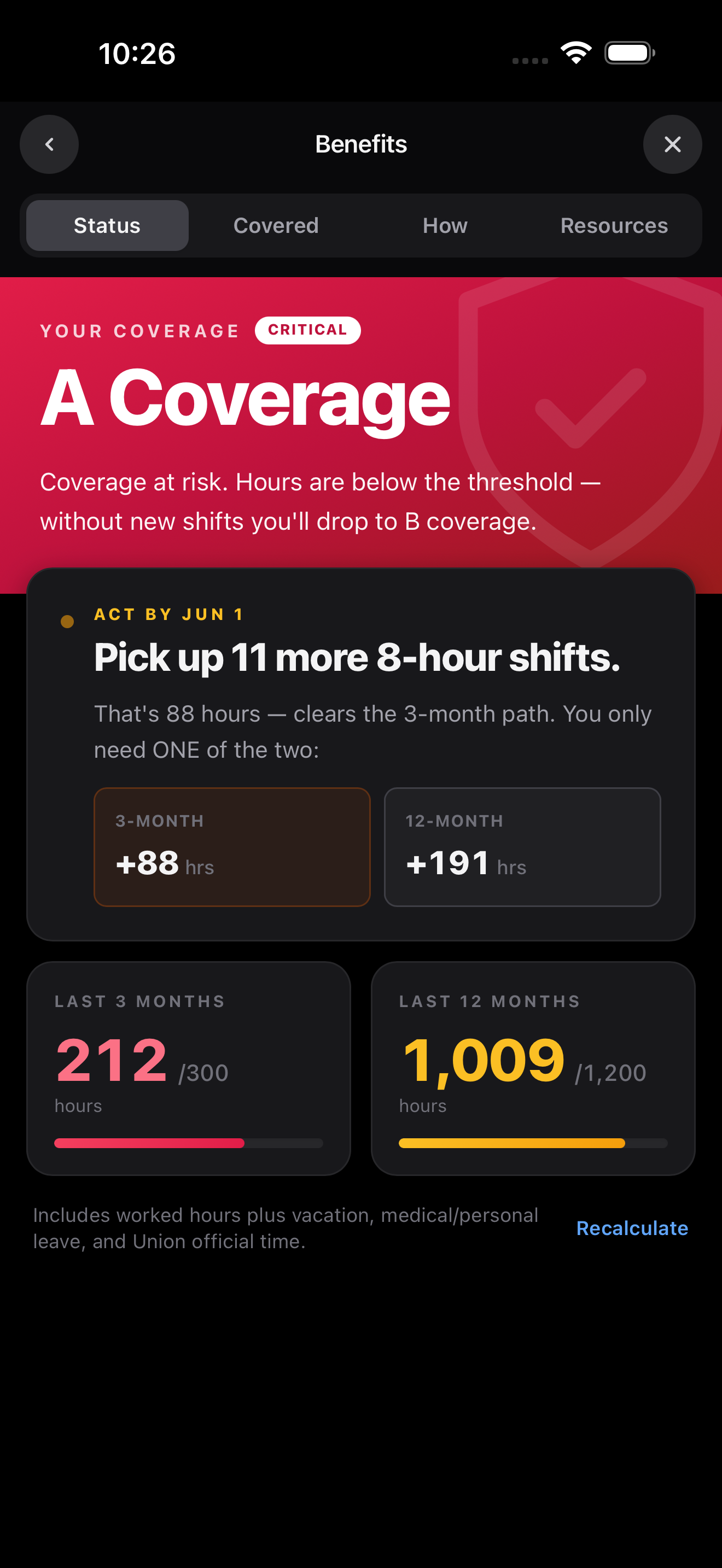
If your hours start trending toward a coverage drop, DockBook flags it early and shows you exactly how many 8 hour shifts close the gap. The kind of math that hides in the back of the Black Book, surfaced in plain English with weeks to act on it.
How does coverage qualify in the first place? Read the benefits coverage explainer on the 300 and 1,200 hour rules and what each tier covers.
See how it works
The full toolkit, with extras built specifically for BC longshore work.
Auto-calculated pay
Day, night, graveyard, Saturday and Sunday premiums. Job differentials from Container to Crane. Meal allowance. Every line your stub should match.
Retroactive pay calculator
When a new collective agreement is ratified mid-period, see exactly what you're owed. Calculated back to the effective date.
Travel pay calculator
When dispatch sends you out of town, DockBook pays travel time and mileage by the contract zone tables. Allowances applied automatically.
Vacation, medical, personal leave trackers
Auto-populated from logged shifts when you select Vacation Day, Medical Leave, or Personal Leave as the job. Visible on the calendar as V, M, P badges.
Scan your dispatch slip
Locals 500 and 502: photograph the slip and Add Shift fills in the date, shift, ship, berth and job. The slip is read on your phone, not uploaded.
Never lose a shift
Your shift history survives a lost phone, a busted screen, an upgrade. Sync across iOS, Android, and web. Your data never leaves your account.
In port
Ships docked from Burrard Inlet to Deltaport and the Fraser River, when each one leaves, and a berth timeline marked with your shift start times. Pro.
Free for everyone: pick a ship on Add Shift and today's docked ships come first.
Cargo pay on Add Shift
Pick deepsea or coastwise, the condition and the commodity, and the cargo rate is added to the shift. A Custom shift takes a Paid as: truck start, early start, coastwise or cruise day.
On your wrist and home screen
Hours, your next shift and your board's Live Average on Apple Watch, Wear OS and home screen widgets. Pro.
Free forever. Pro when you want pension, board averages, and the rest. Built by a Local 502 longshoreman who got tired of guessing.